

How to create Department:
-
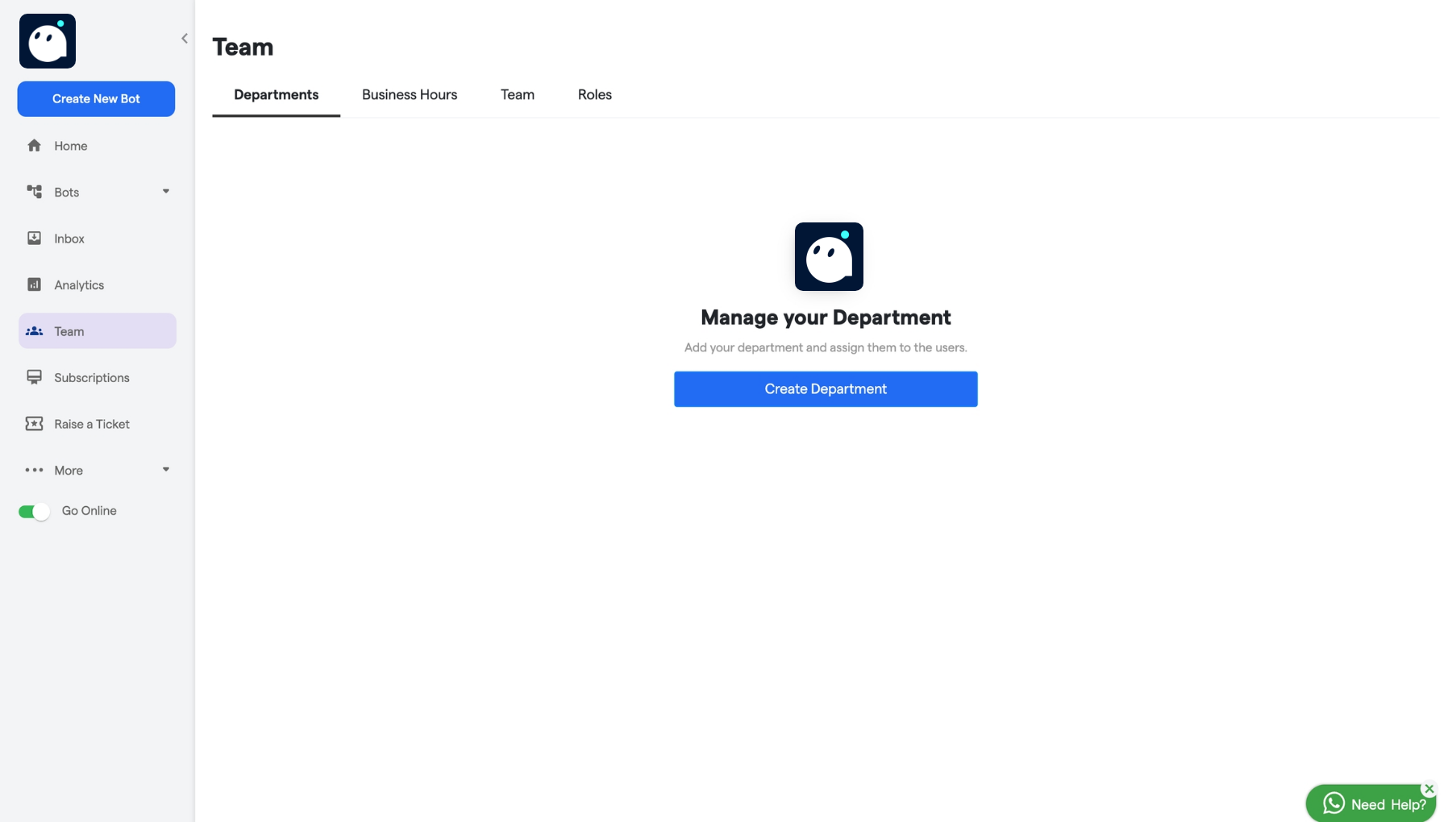
Navigate to the Departments section.
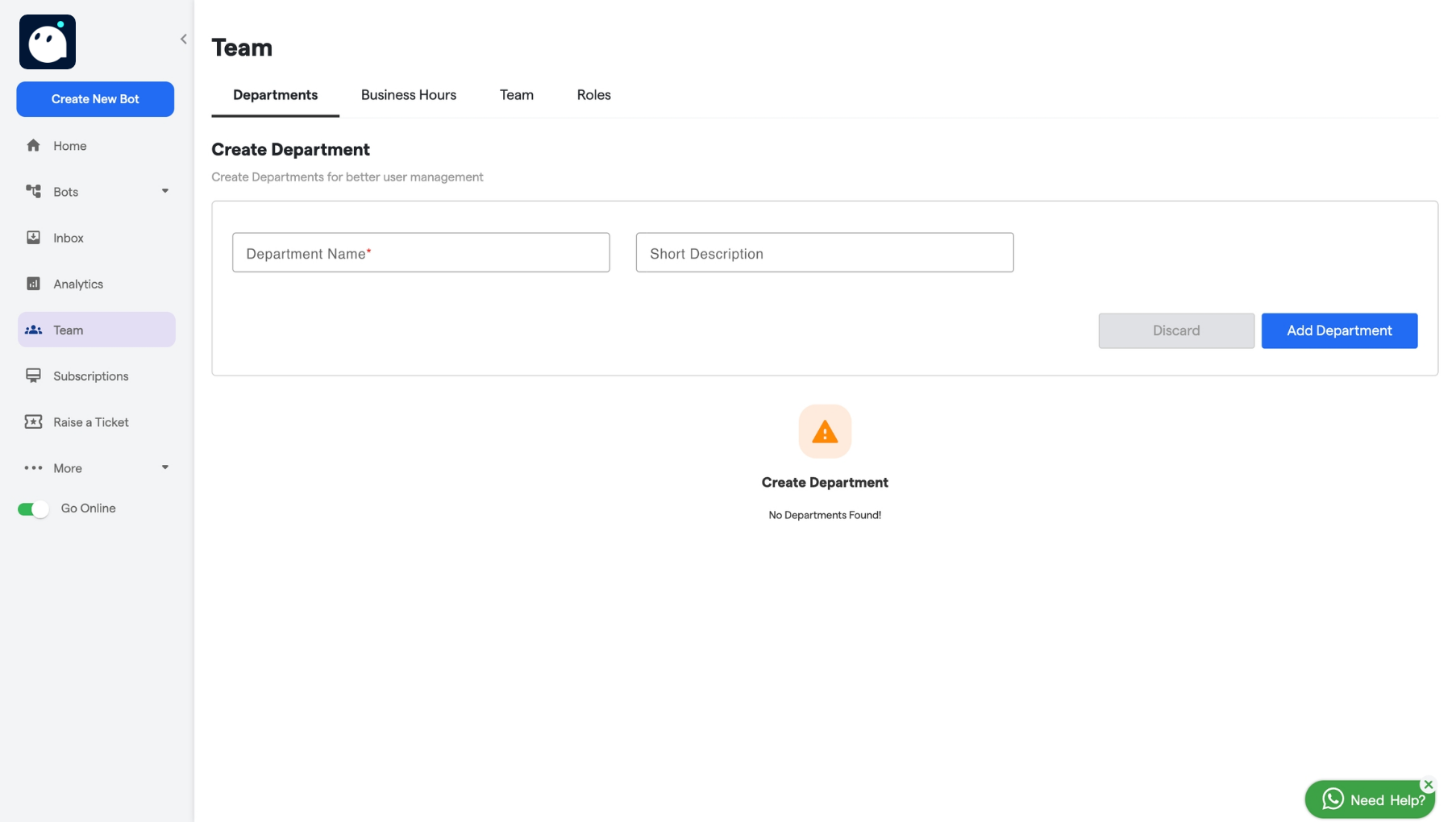
- Enter a name for the department in the Name field.
-
Add a short description for the department, if needed.
-
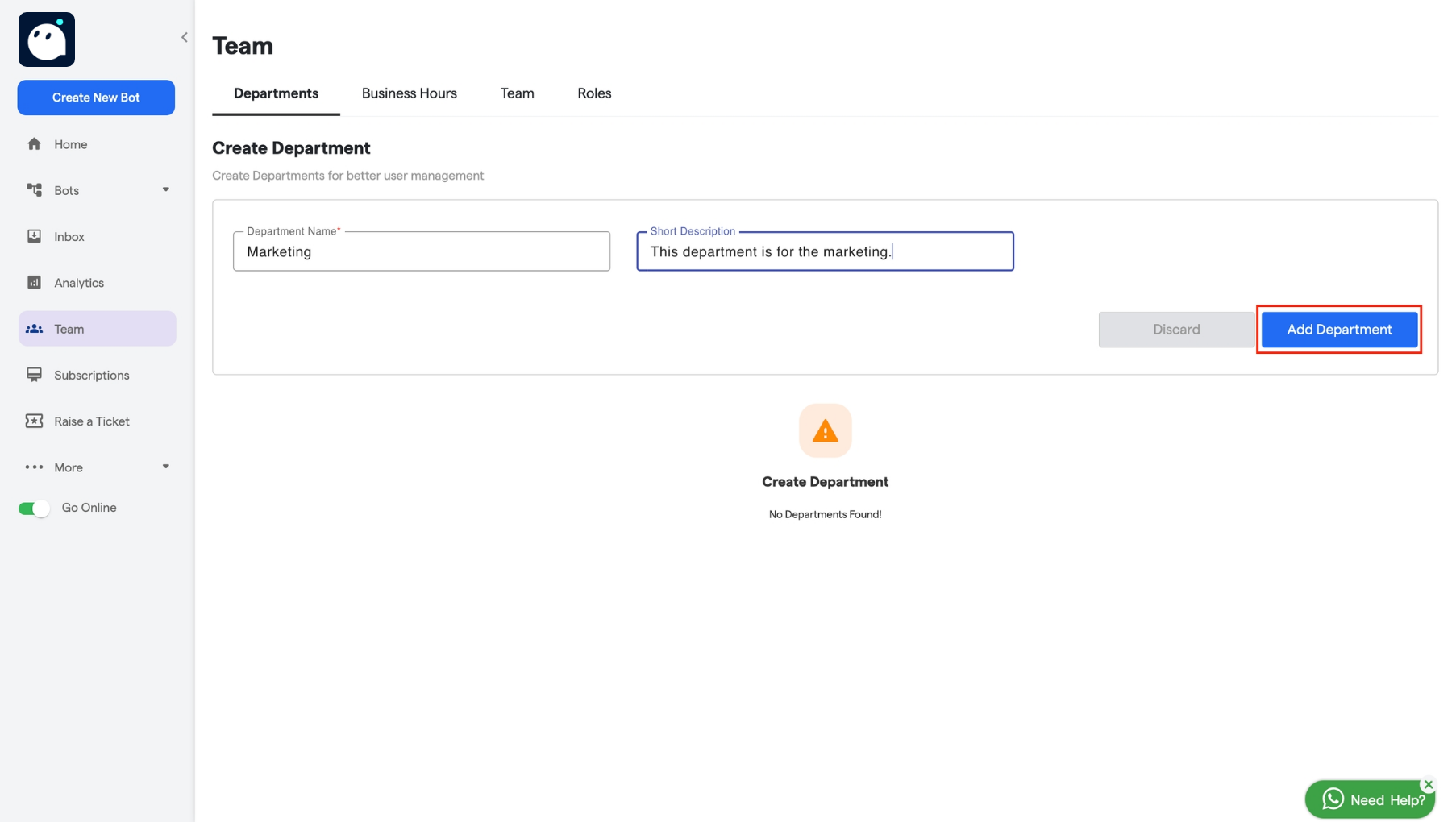
After filling in all the details click on the “Add Department” button.
What is a department? Read and find out!