To setup yours Whatsapp Templates
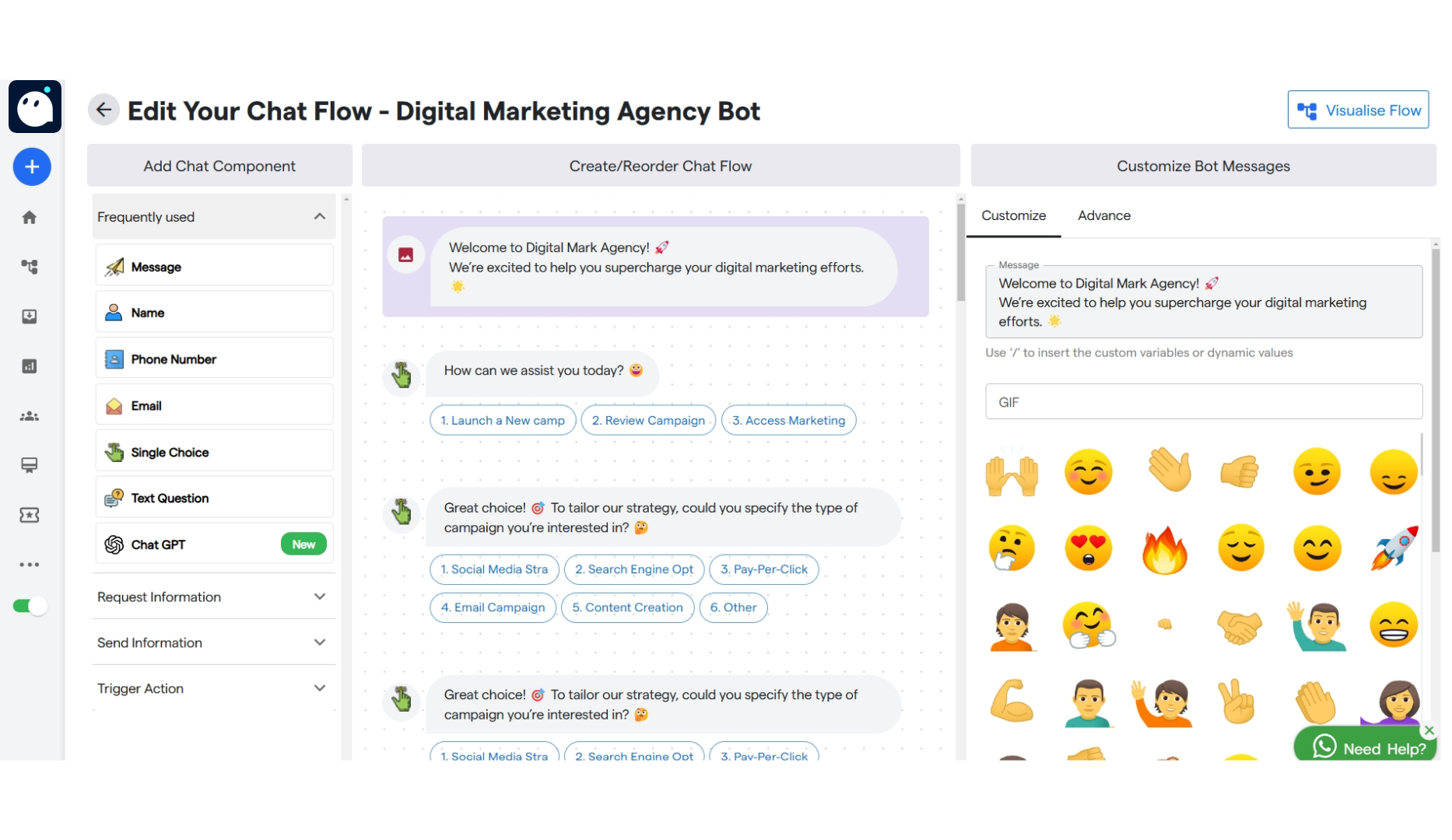
Step 1: Navigate to your Whatsapp Bot. Step 2: Click on WhatsApp Automation. Step 3: Select Templates. Step 4: You will get option to select pre-defined Templates. You can either select from chatflow template or message templates.CHATFLOW TEMPLATE
Step 5: When you hover your mouse on any of the template you will get option to take a preview or use template.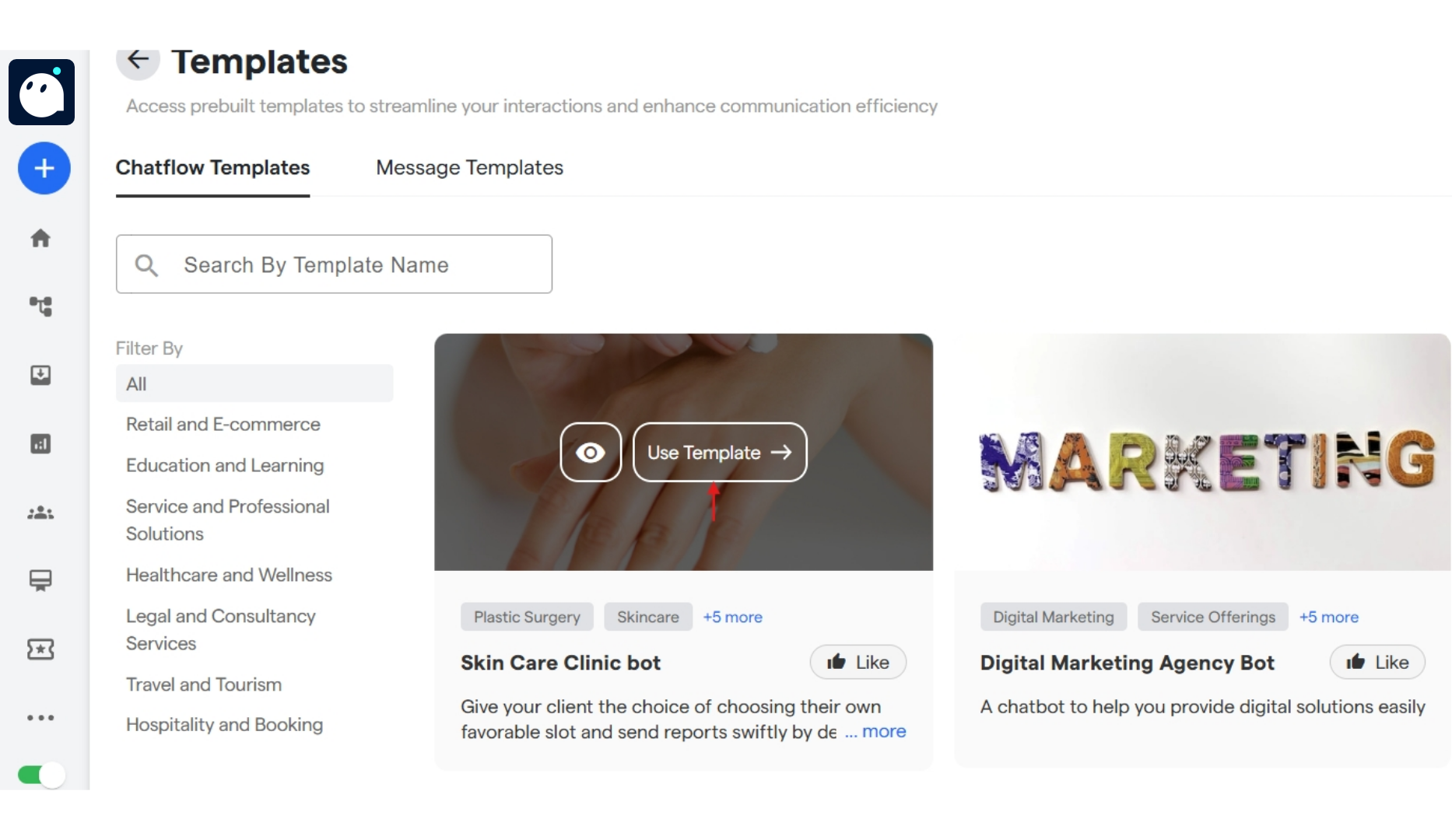
MESSAGE TEMPLATE
Step 8: Click on Message Templates to select a pre-defined template form “Templates Gallery” or create and customize your personalised template by selecting “Your Templates”. Step 9: When you hover on any of the pre-defined templates you can either take a preview first or directly click on Use Template.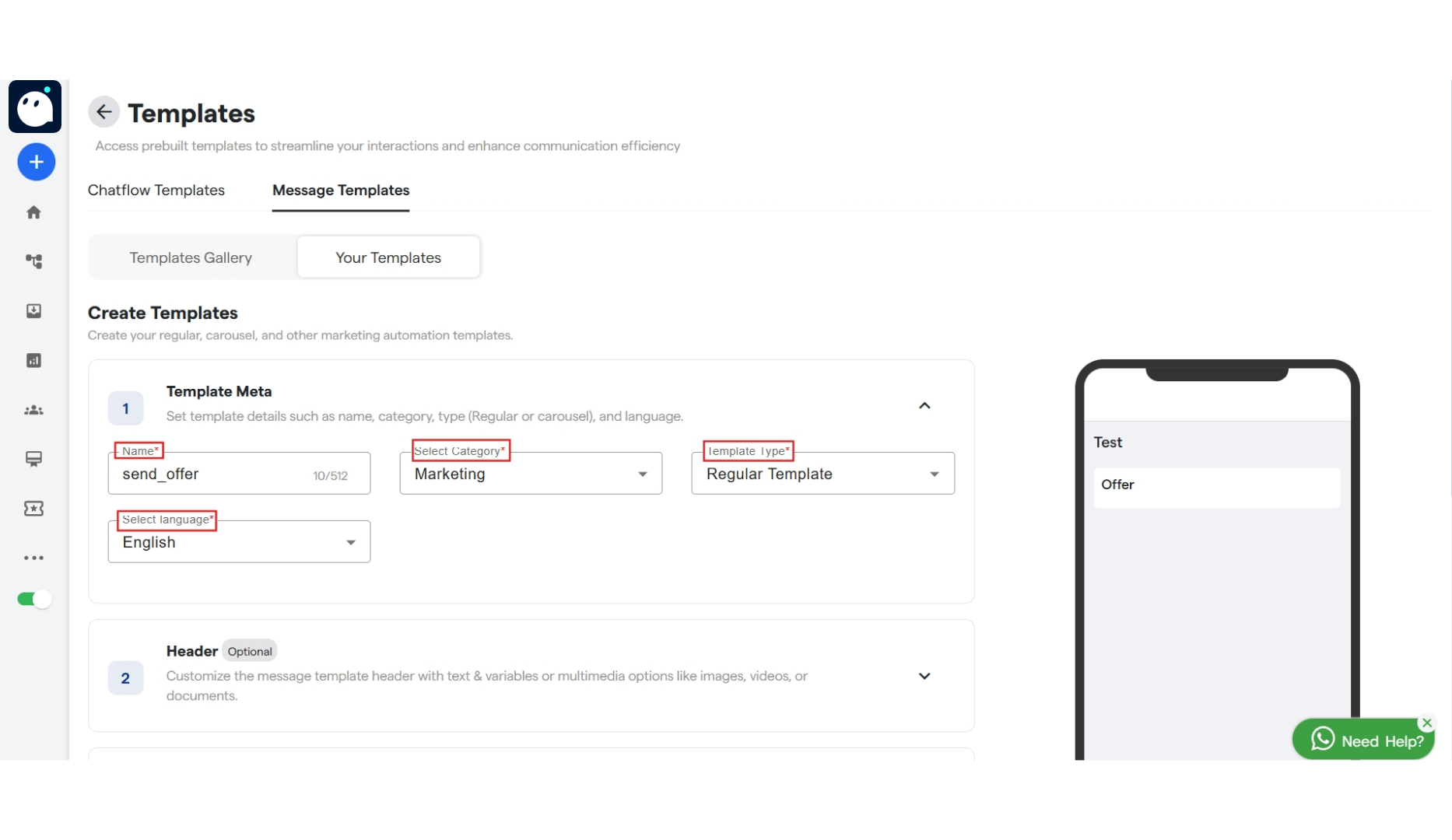
With Regular Template
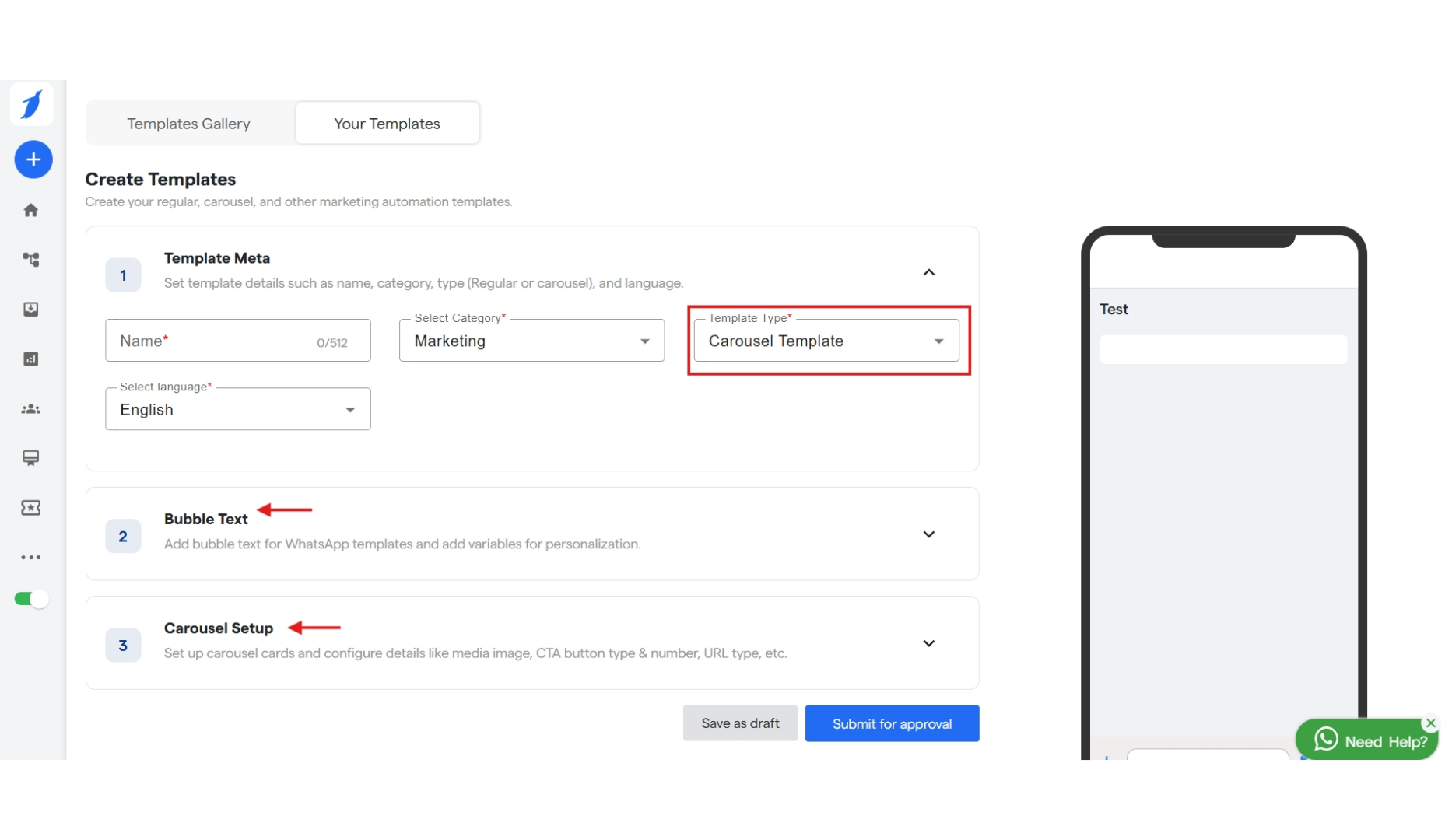
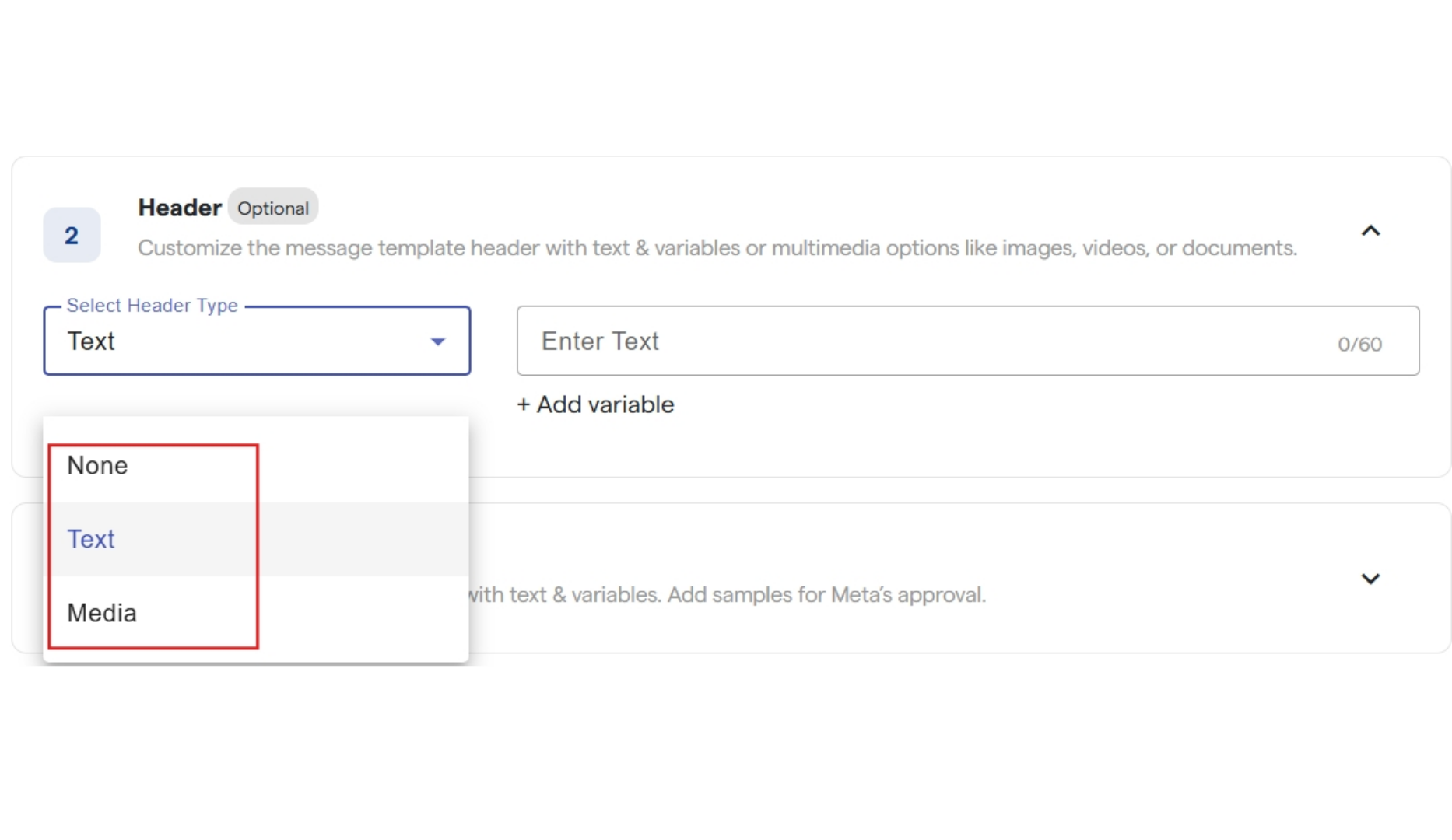
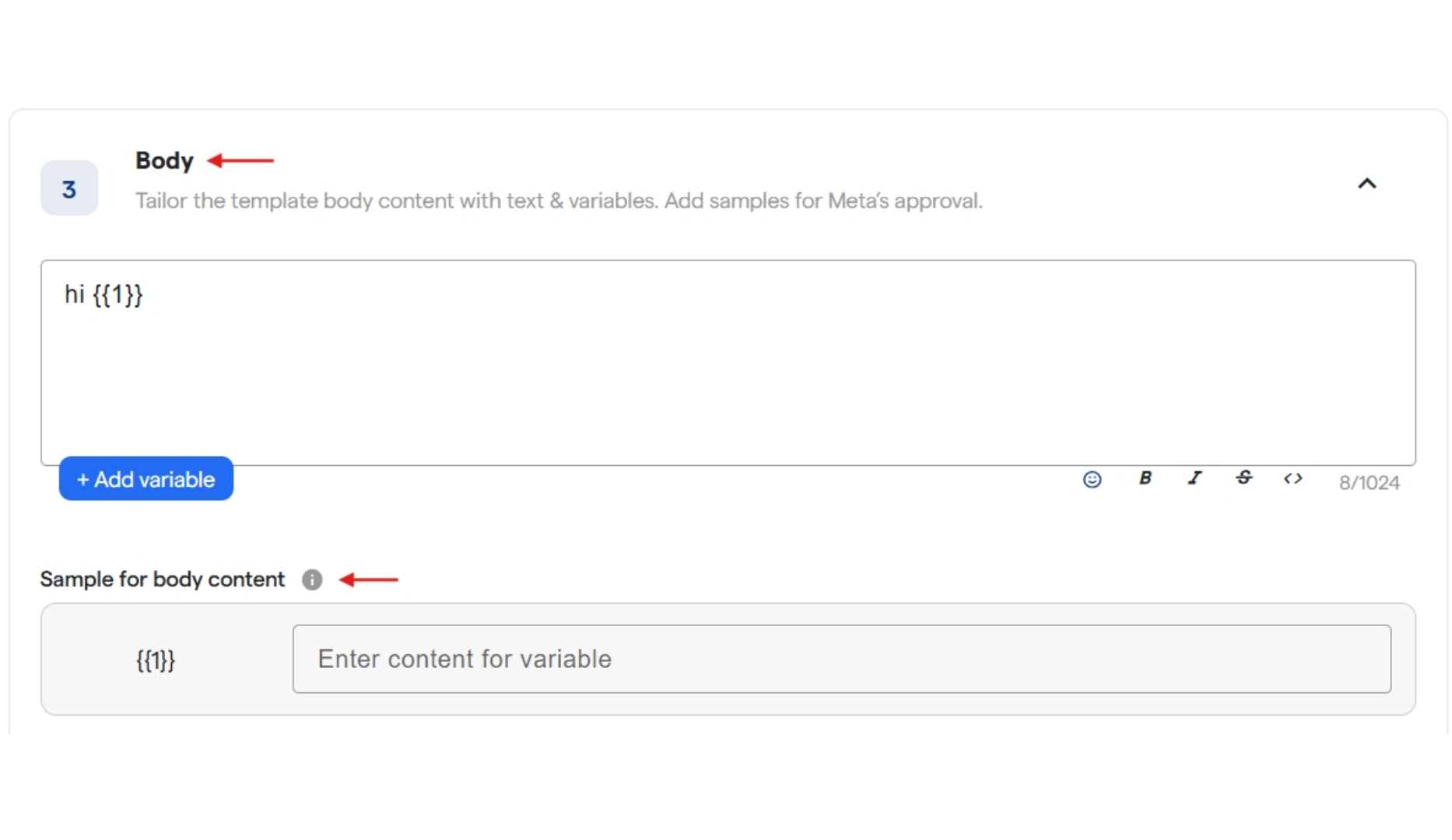
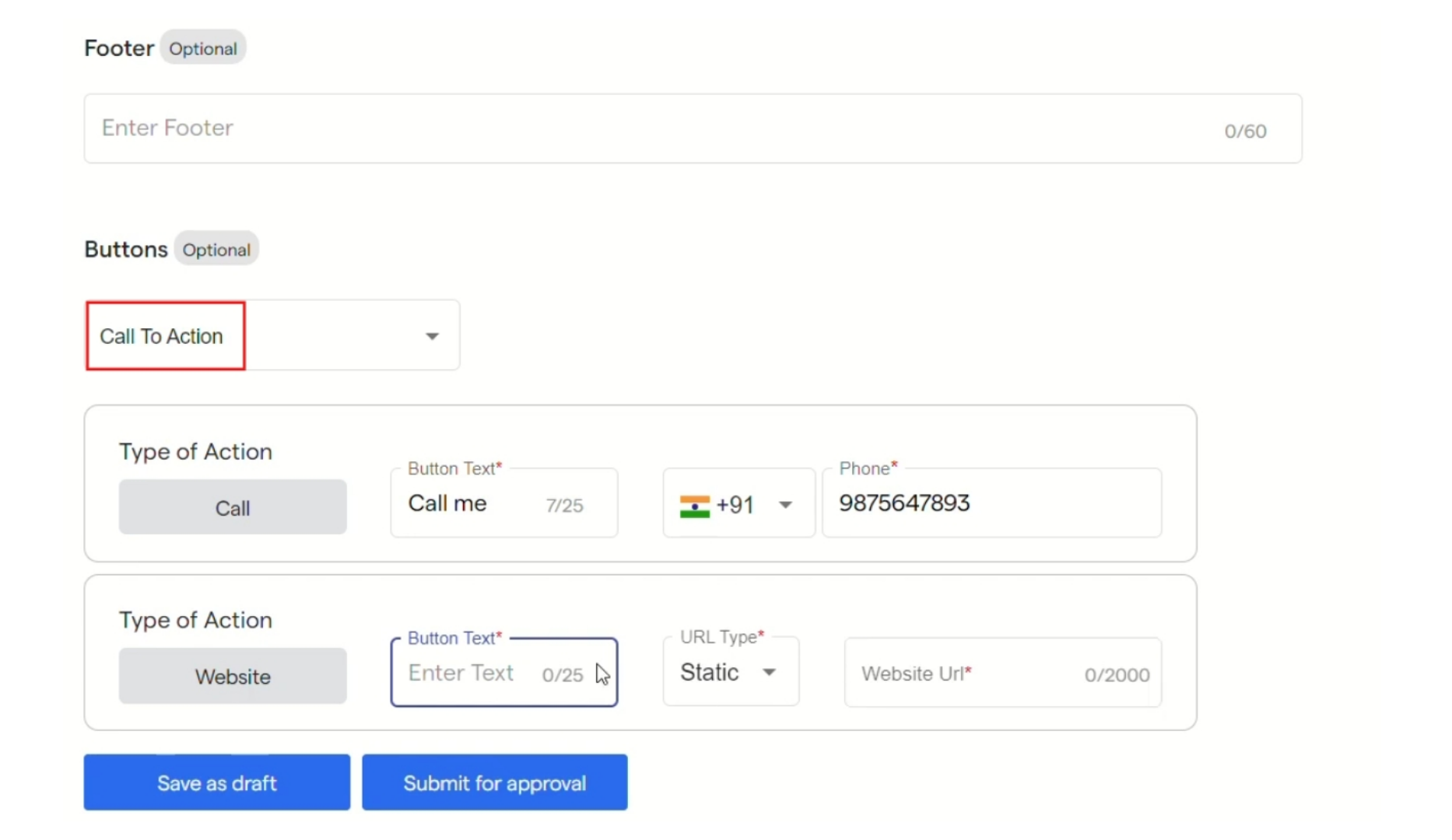
Step 10: You can create a new template in Your Template section. By selecting “Create Template”. Step 11: Under Create Templates section, enter name/title and category for your template. And also select a language for the same. You can select a type for your template by clicking on the drop down.
With Carousel Template
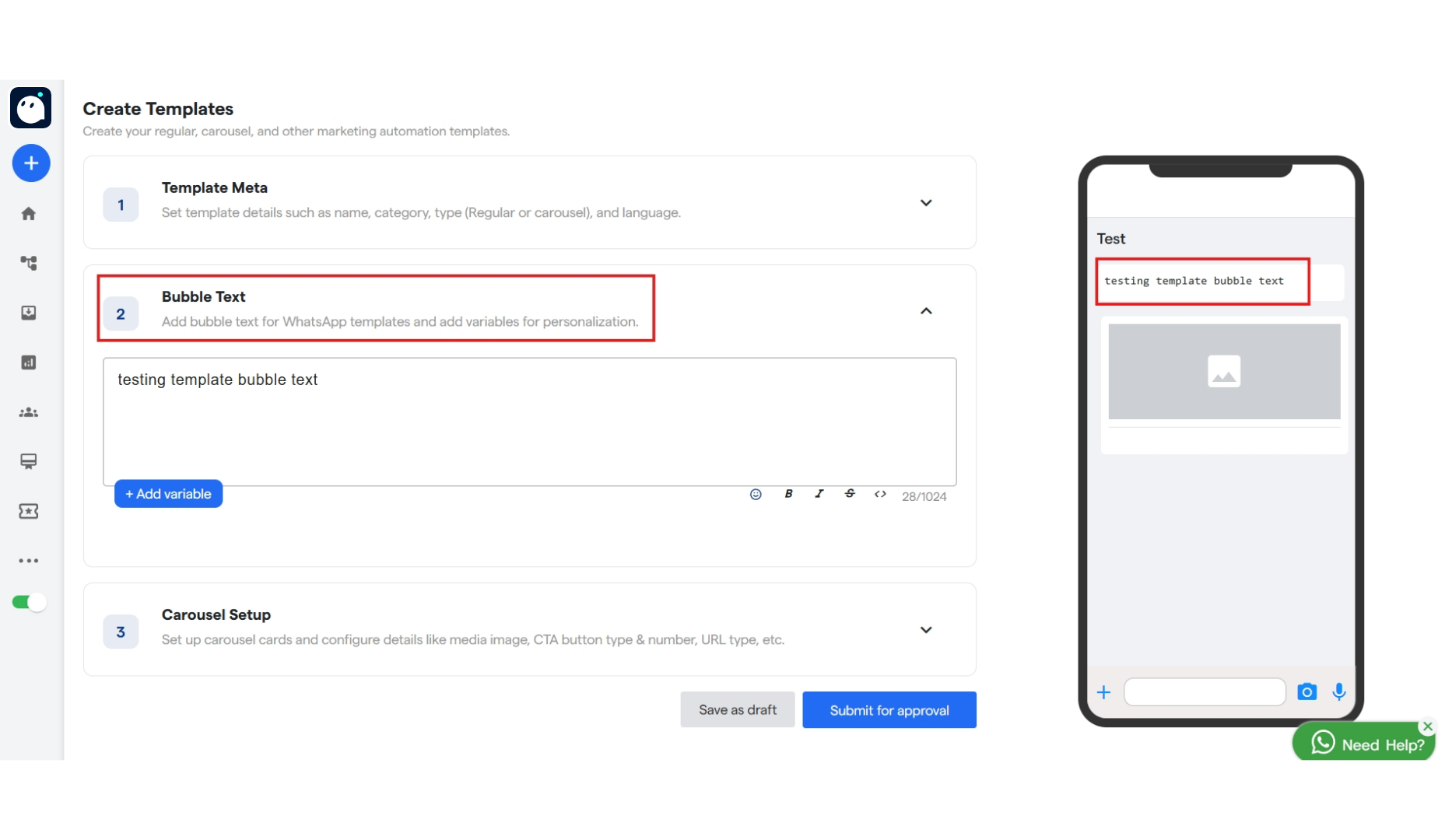
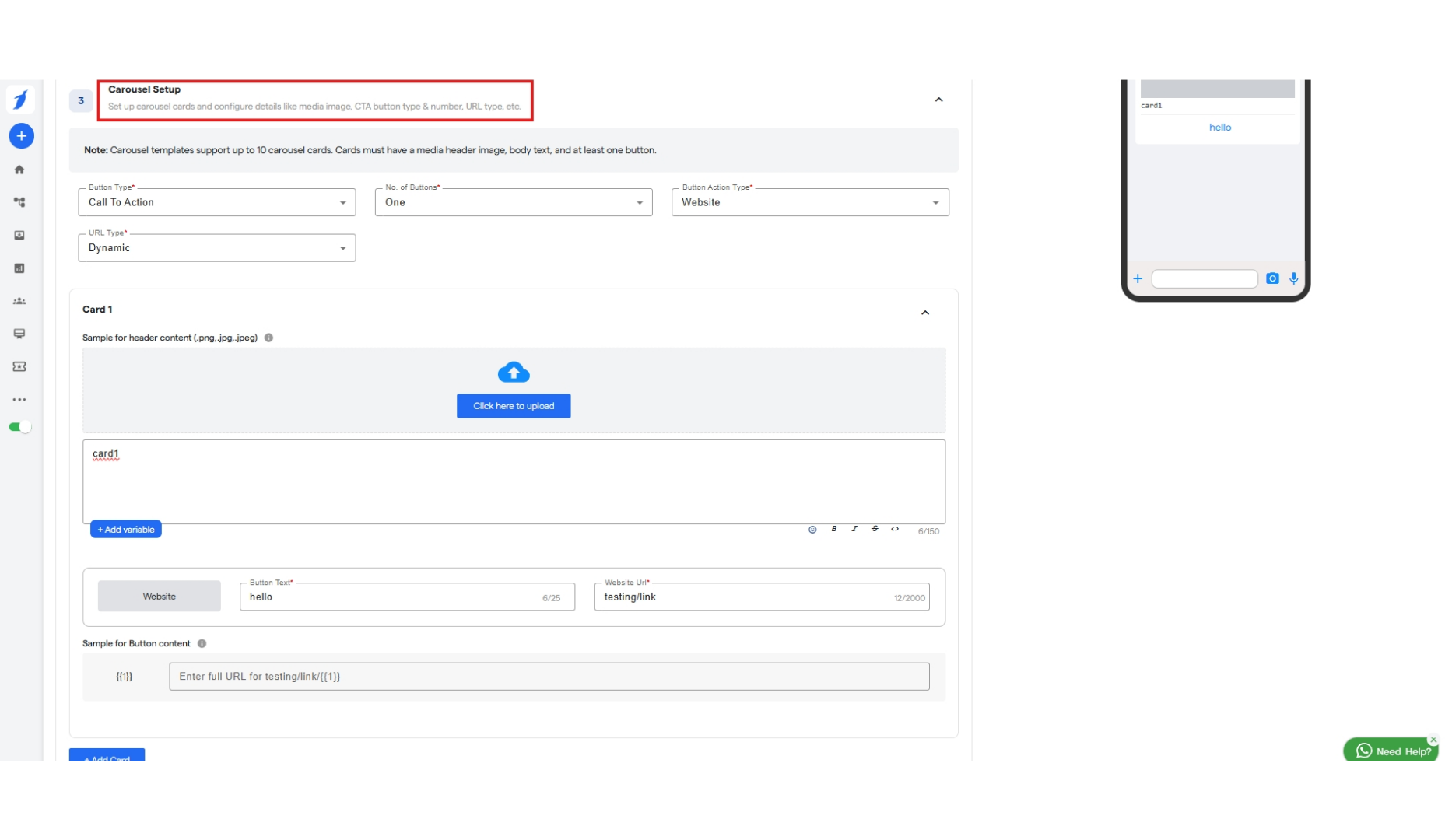
Step 20: When you select “Carousel” as Template Type. You will get options namely: Step 21: “Bubble Text” in which you can add text for the template and add variable for the same. Step 22: “Carousel Setup” in which you can set up cards and configure their media and add CTA buttons