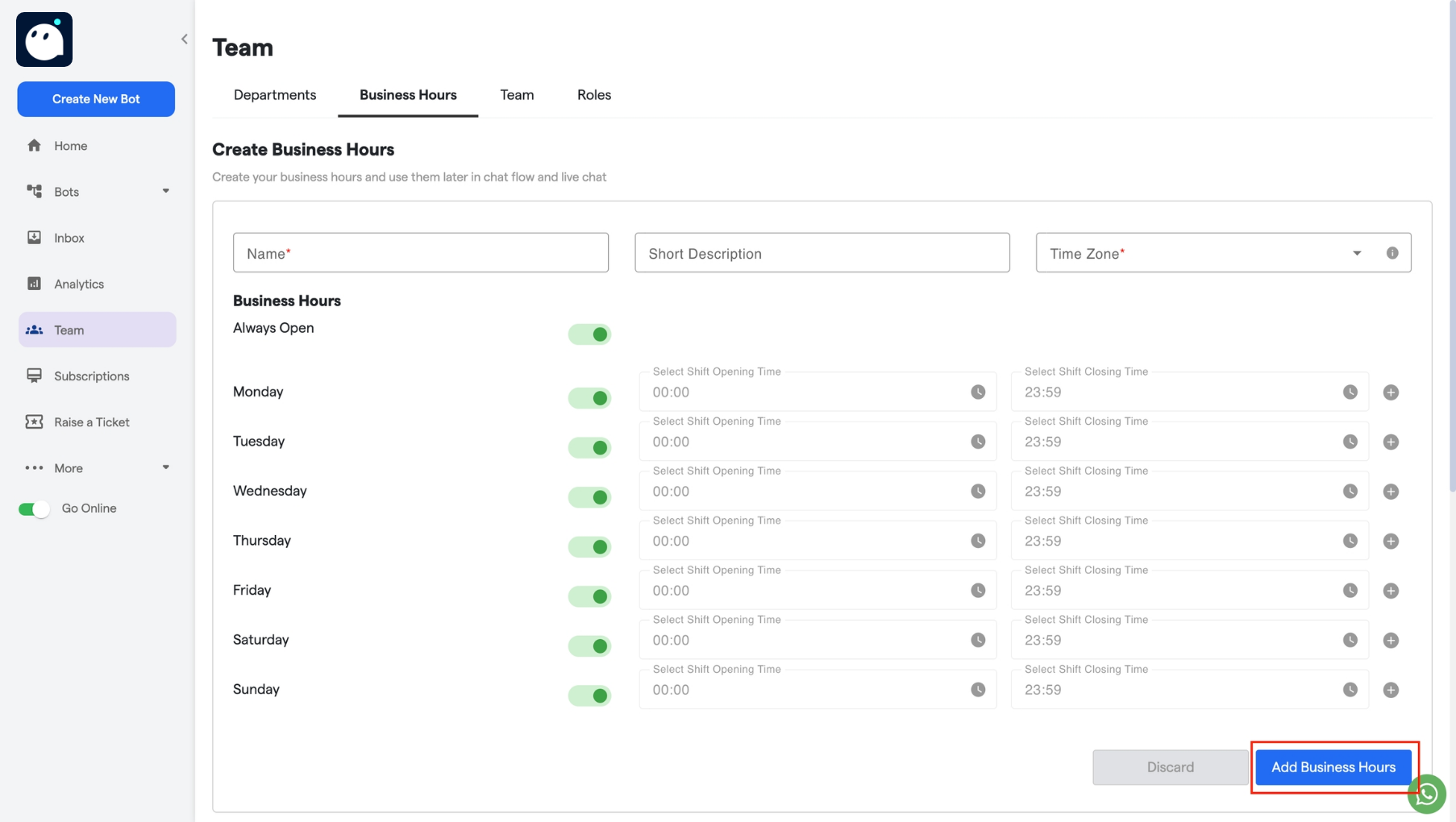
How to set Business hours:
-
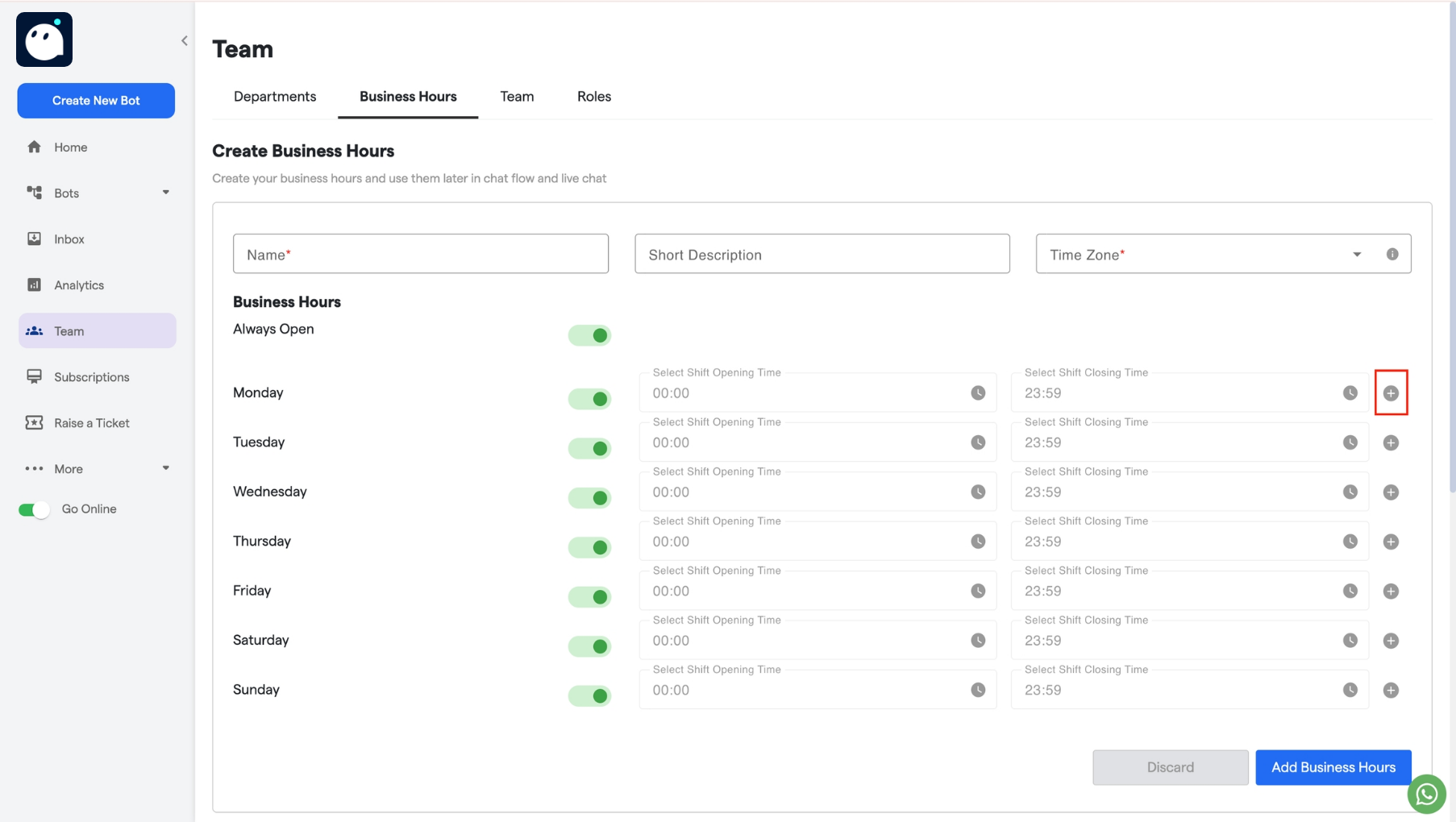
Click on the “Create Business Hours” button to set business hours.
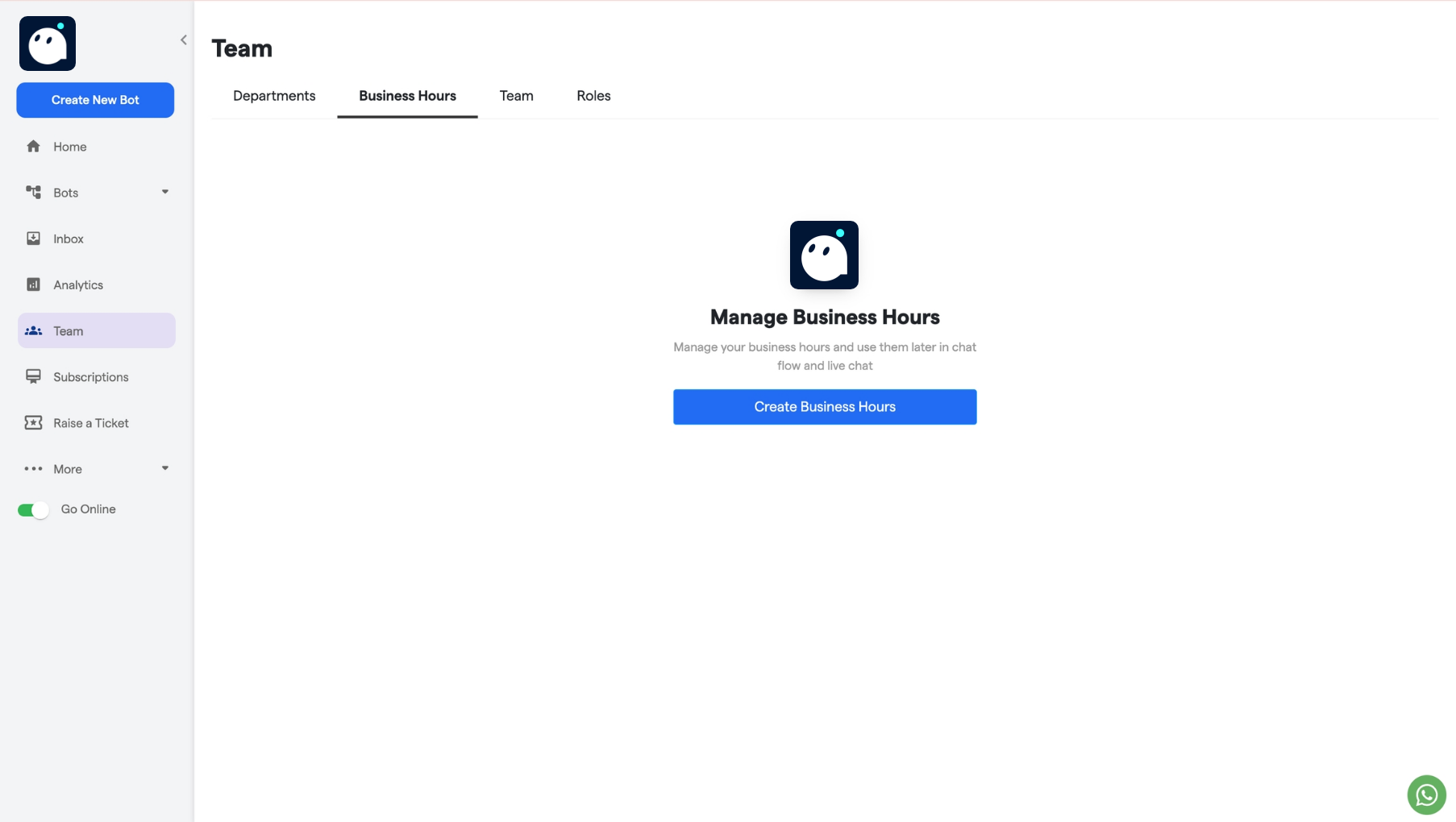
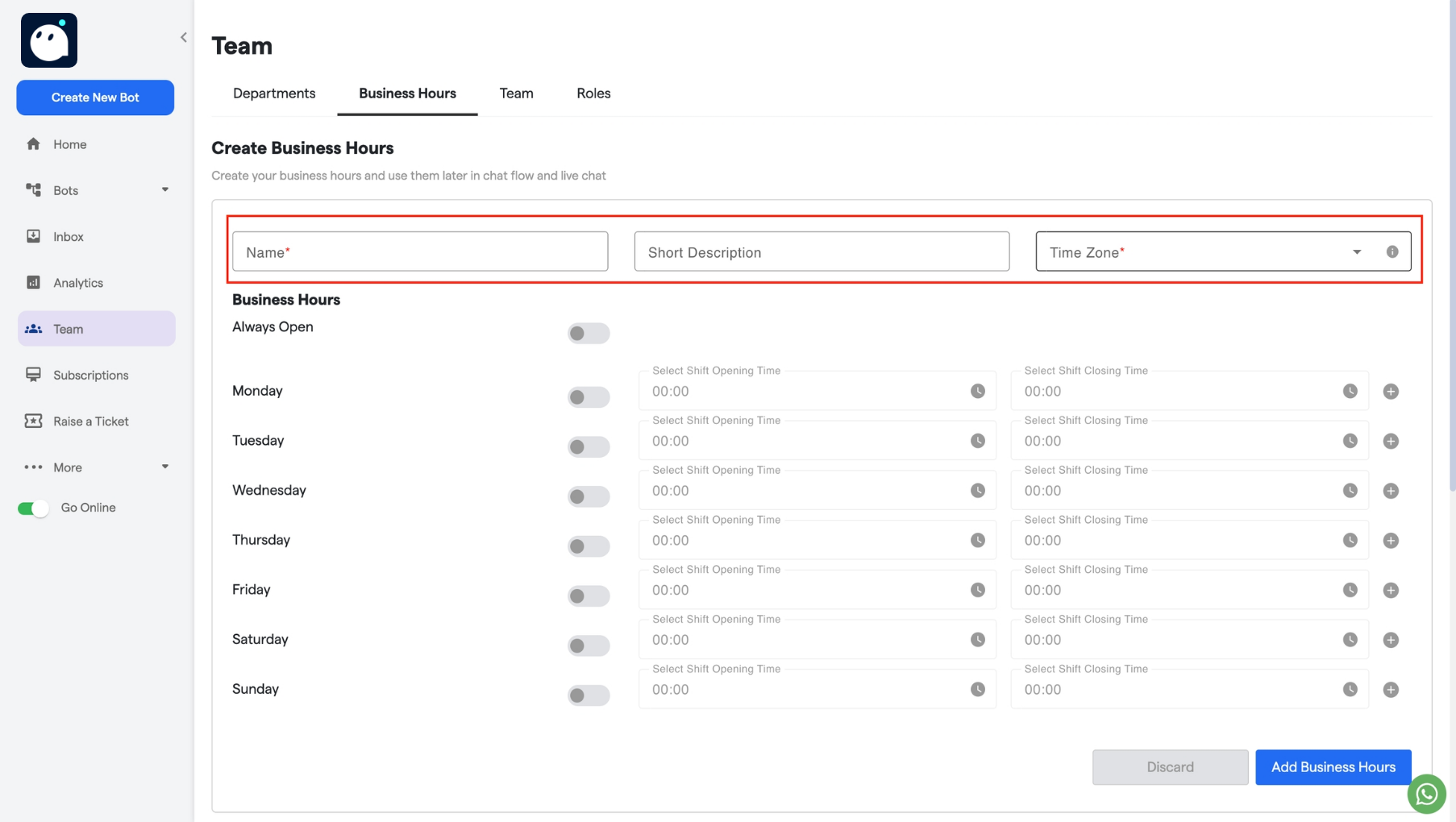
- Fill out the Name field and add a short description.
-
Select the time zone and the business days.
-
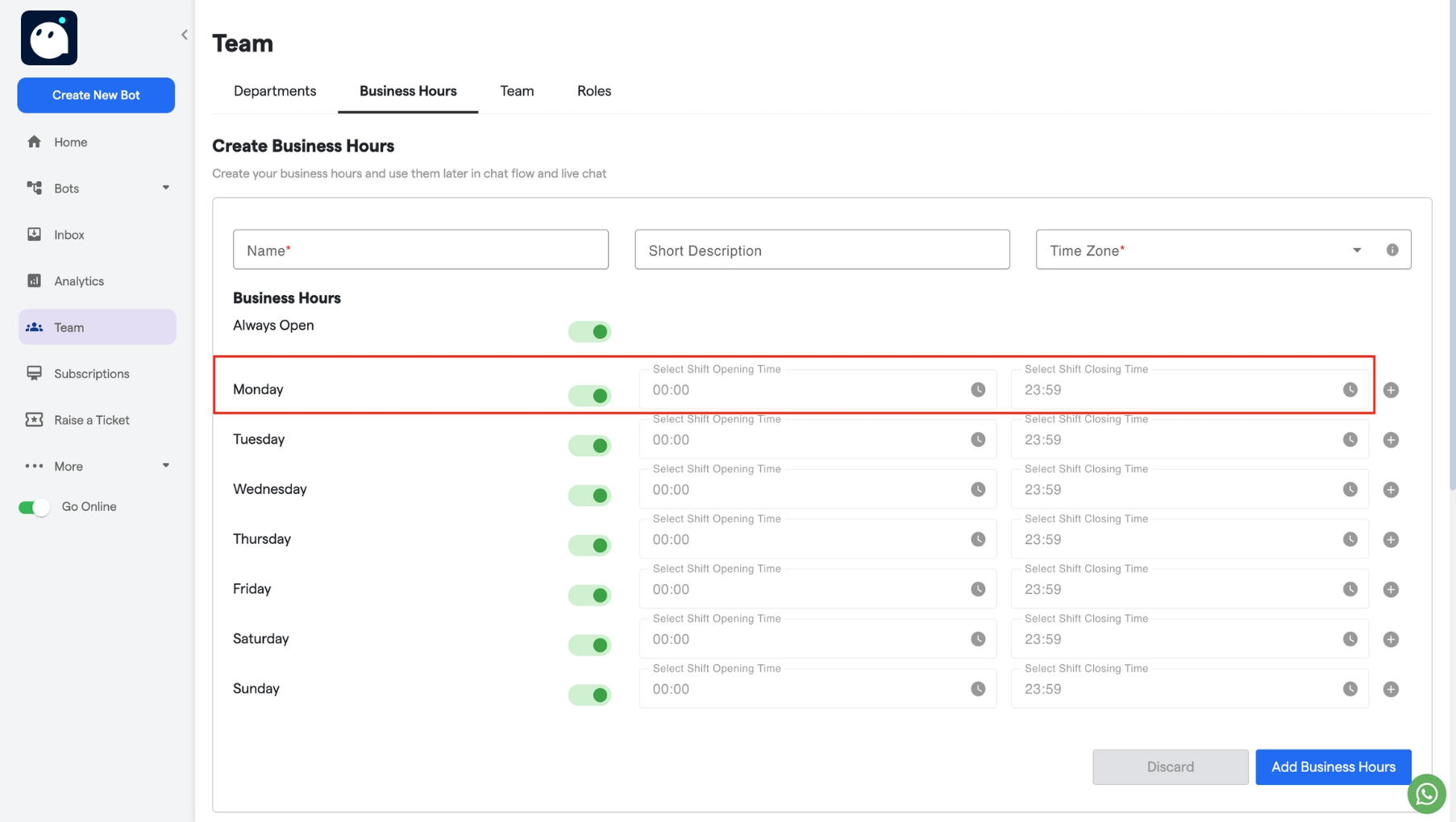
Choose the corresponding start and end times for each working day.
-
If there is a night shift or additional shift, click on the + icon to create a second shift.
-
Click Add Business Hours to save.