> ## Documentation Index
> Fetch the complete documentation index at: https://docs.converse.vitxi.ai/llms.txt
> Use this file to discover all available pages before exploring further.
> Want to train the bot on a website? Do it with this step by step guide!
# Website
### **Why train on Websites?**
Training bots on websites helps them understand your content better so they can answer user questions more accurately. It saves time by using your existing website data and ensures your chatbot gives responses that match your brand and information. This makes support faster, smarter, and more helpful for visitors.
***
### **How to train your AI Chatbot on Website?**
1. Log into your Converse, and choose the bot you wish to train.
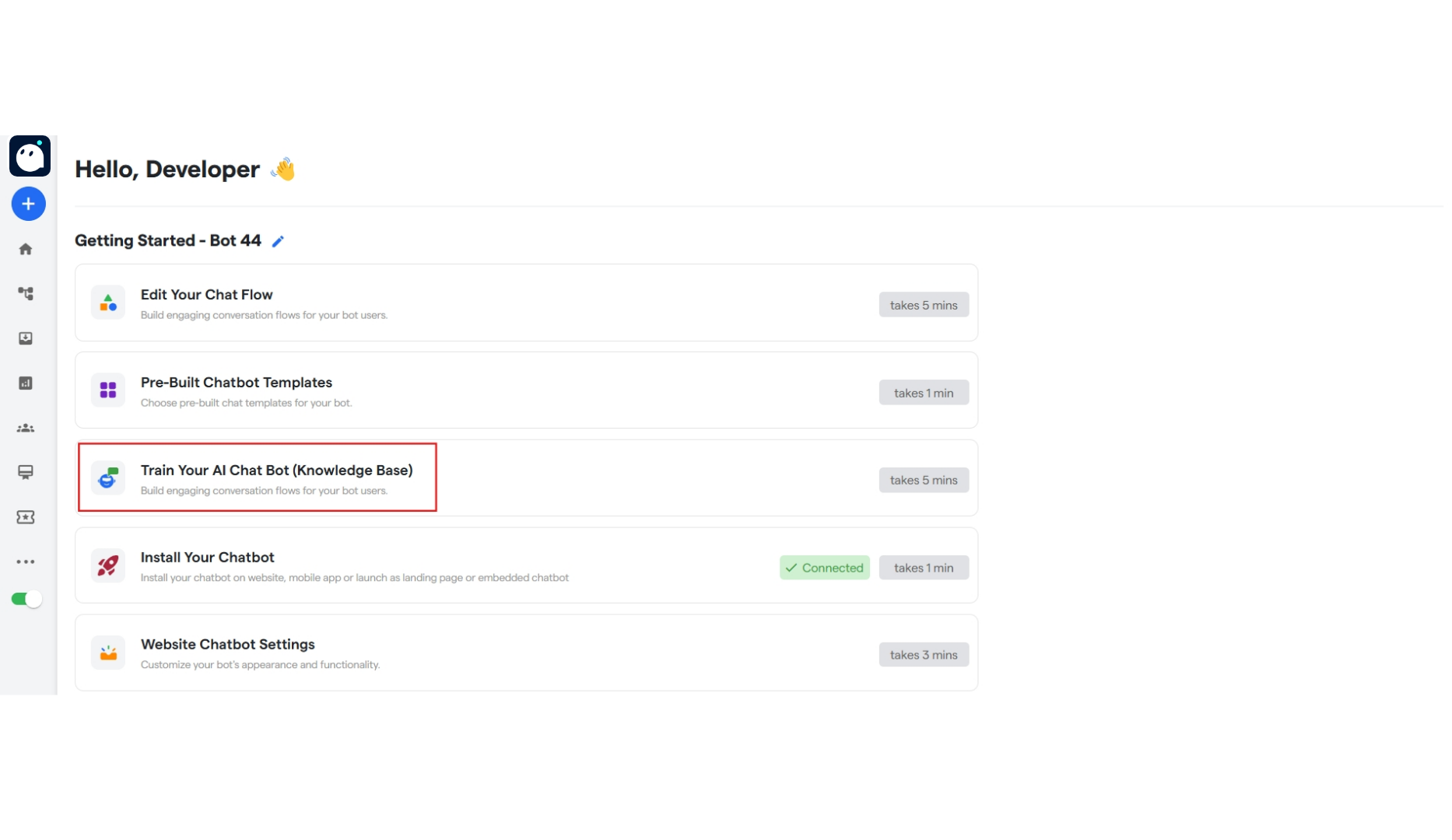 2. Click on **“Train Your AI Chat Bot”** and start training your AI Chat Bot.
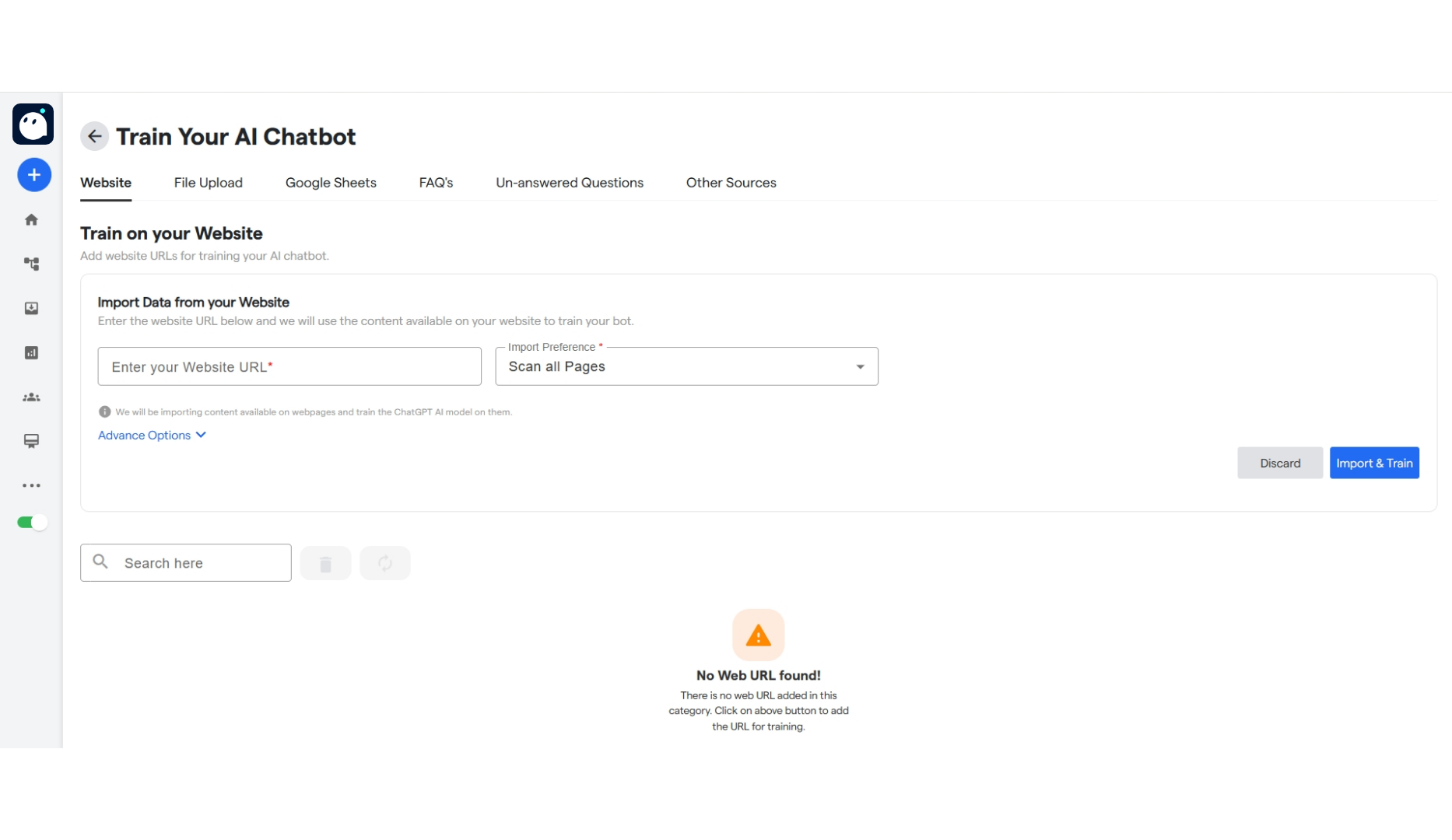 3. Click on the "**Website**' tab to add the website.
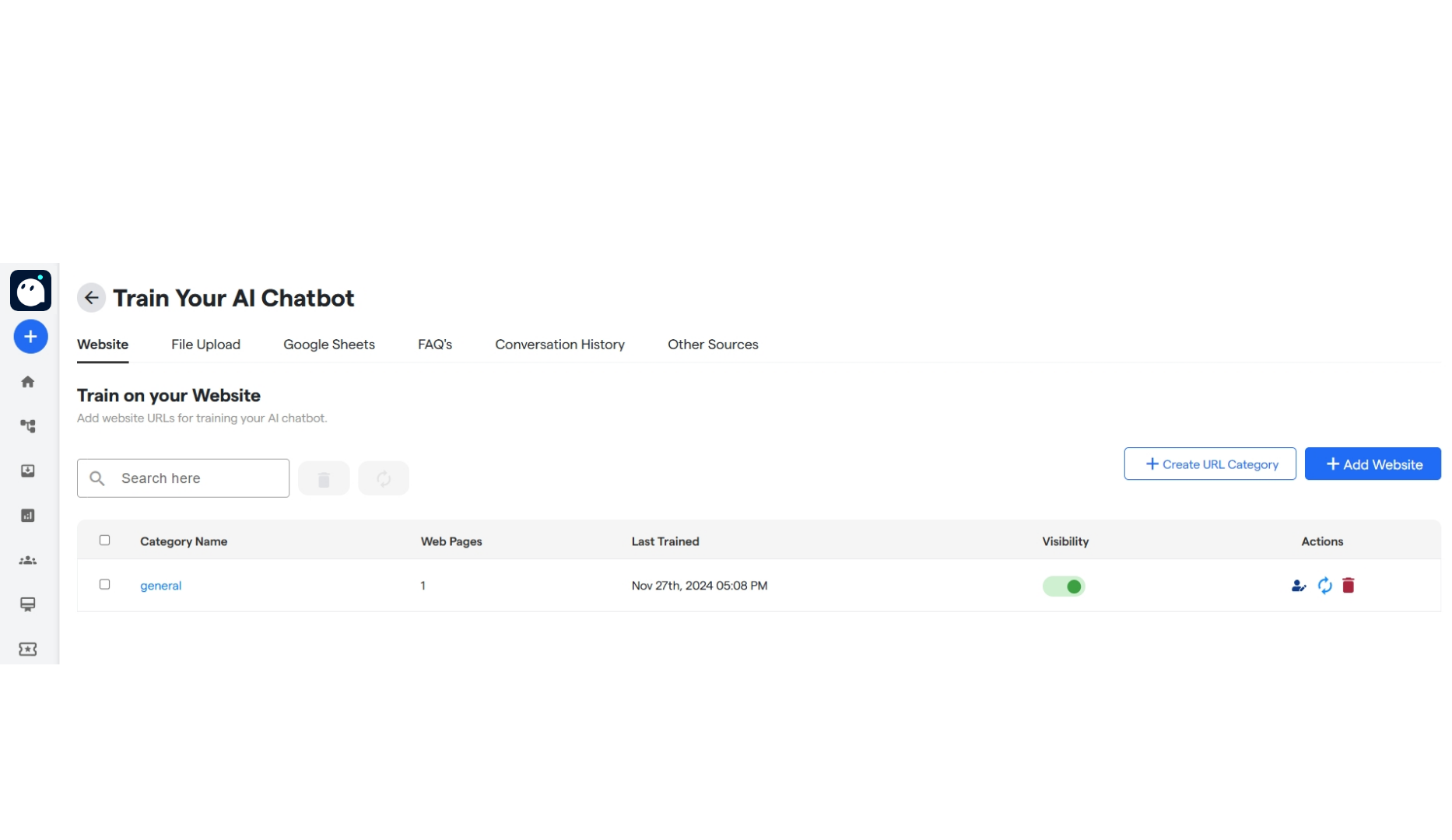 4. Enter the URL of the website. You can train the website using 3 ways:
* Scan all pages: Scans the current page, and all the pages linked to the website.
* Scan Single Page: Scans and trains only on current URL.
* Scan JSON information: Only scans the JSON information.
You can also click on the "Advance option" to train the bot on images as well. Not that training on images takes significantly more time and cost than normal training.
5. Once done, click on the "**Save**" button. The website will start training.
4. Enter the URL of the website. You can train the website using 3 ways:
* Scan all pages: Scans the current page, and all the pages linked to the website.
* Scan Single Page: Scans and trains only on current URL.
* Scan JSON information: Only scans the JSON information.
You can also click on the "Advance option" to train the bot on images as well. Not that training on images takes significantly more time and cost than normal training.
5. Once done, click on the "**Save**" button. The website will start training.
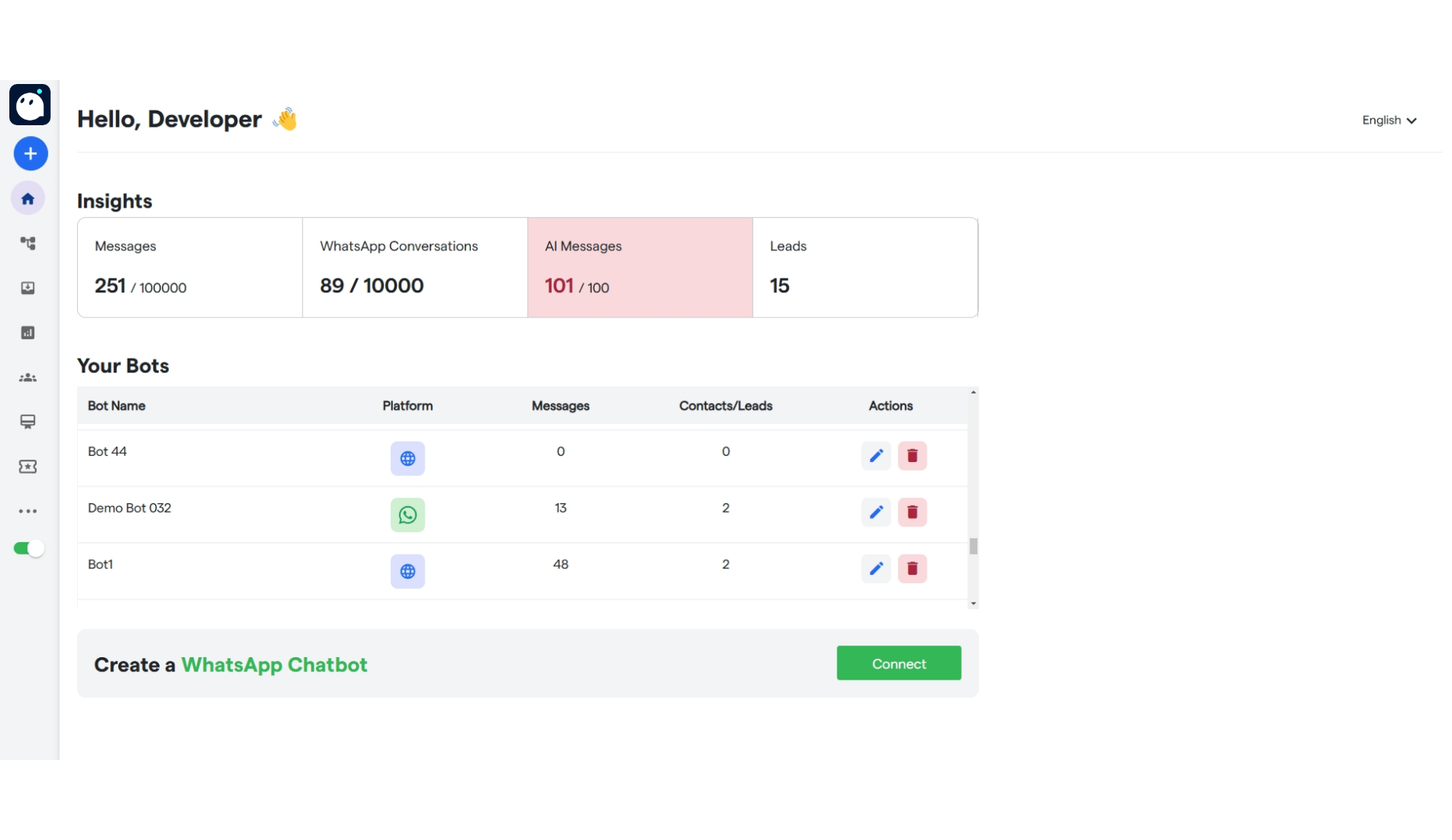 Congratulations! You have trained your bot on a website!
### **FAQ's:**
Here are some common FAQ's regarding website training:
Make sure you have a valid URL, and give time for the website to train on.
Click on the circular arrows to retrain or "Sync" your website.
make sure the information is present in a clear format. Information that is in unique fonts may have trouble being trained on. Additionally, if information was in photos or images, then make sure to train the website on images as well, under the "Advance option".
This is happening because the URL being entered is invalid. Kindly enter a valid URL. We are also working on this issue.
Train these questions on the unanswered qusetions tab.
Congratulations! You have trained your bot on a website!
### **FAQ's:**
Here are some common FAQ's regarding website training:
Make sure you have a valid URL, and give time for the website to train on.
Click on the circular arrows to retrain or "Sync" your website.
make sure the information is present in a clear format. Information that is in unique fonts may have trouble being trained on. Additionally, if information was in photos or images, then make sure to train the website on images as well, under the "Advance option".
This is happening because the URL being entered is invalid. Kindly enter a valid URL. We are also working on this issue.
Train these questions on the unanswered qusetions tab.